
How to access and use IDT Prep for reviewing the plan of care the patient requires.
|
1 |
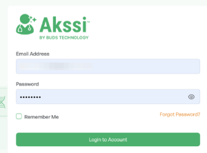
Log into Akssi Go to your unique access login URL and sign in with your credentials.
|
|
2 |
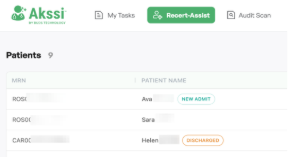
Open the patient record Find the patient in the list and click on their name.
|
|
3 |
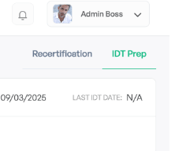
Click on IDT Prep Choose "IDT Prep" in the upper right corner which is directly underneath your user profile. *Important Note: The IDT Prep only provides a summary of changes for teh alst two weeks.
|
|
4 |
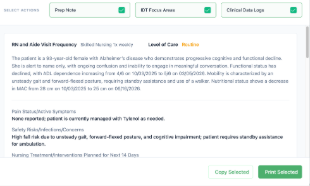
Copy the IDT Prep Note Click on "Copy IDT Prep Note" and choose which section(s) you would like to copy. Then click on "Copy Selected."
|
|
|
5 |
Paste into your EMR Navigate to your EMR and paste the content into the appropriate area. Read the note thoroughly and add in any details or information that were not captured through visit notes to ensure the physician has all the information needed for them to make any decisions on patient care.
|