
How to access and use the CTI Draft as your Recert Note for IDG meetings
|
1 |
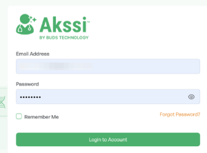
Log into Akssi Go to your unique access login URL and sign in with your credentials.
|
|
2 |
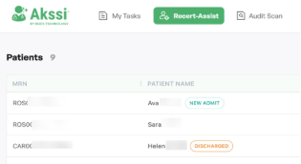
Open the patient record Find your patient in the list and click on their name.
|
|
3 |
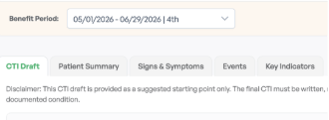
Select the benefit period Choose the current benefit period in the upper left hand corner directly underneath the patients name.
*Reminder: The CTI draft provides a summary of all changes for the entire benefit period.
|
|
4 |
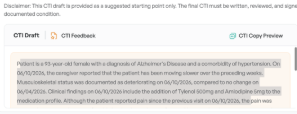
Copy the CTI draft Highlight and copy the CTI draft content in the beige box.
Note: You cannot use the "CTI Copy Preview" at this time.
|
|
|
5 |
Paste into EMR Navigate to your EMR and paste the content into your recert note. Read the note thoroughly and add in any details or information that were not captured through visit notes to ensure the physician has all the information needed for them to use on their CTI note. |