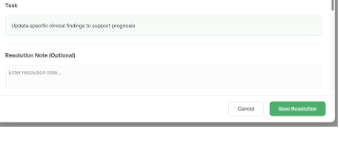
How to view and resolve tasks created for your assigned patients by Audit Scan
|
1 |
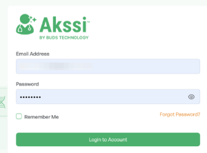
Log into Akssi Go to your unique access login URL and sign in with your credentials
|
|
2 |
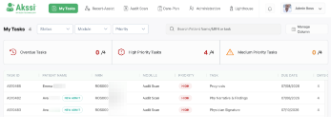
Click on My Tasks Review the list of tasks that are assigned to you based on patient assignments in your EMR
|
|
3 |
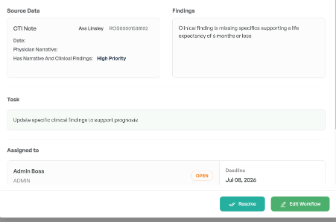
Review each task Review the task details including the priority, information that is missing (under “Findings”), the task needed to be completed and the deadline
|
|
4 |
Complete Task in EMR After reading the details of the task. Navigate to your EMR and complete the necessary steps to satisfy the task. if you are aware that the task was completed, just in another system or manner such as through a paper trail upon admission, then simply click “Resolve.”
Note: Once the missing task information has been added to the EMR, on the next sync with Akssi, Audit Scan will automatically pick up that the gap has been closed and mark the related task a resolved. Syncs are done on average every 20 minutes.
|
|